Why Should You Read This Guide?
Many new creators believe that simply creating a YouTube channel is enough to start uploading videos and growing an audience. However, that’s only the first step.
Without verifying your YouTube channel, you may miss out on essential features such as uploading longer videos, creating custom thumbnails, live streaming (when eligible), and accessing other advanced tools that help your channel grow professionally.
This guide is designed for beginners as well as experienced creators who want to ensure their channel is set up correctly.
Unlike short tutorials that only show a few clicks, this guide explains:
- Why verification matters.
- How to verify your channel correctly.
- Common mistakes to avoid.
- What features become available after verification.
- How verification supports long-term channel growth.
If you are serious about building a successful YouTube channel in 2026, this is one of the first tasks you should complete.
Table of Contents
- Quick Answer
- What Is YouTube Channel Verification?
- Why Verification Is Important
- Requirements Before Verification
- Step-by-Step Verification Process
- What Features You Unlock
- Common Verification Problems
- Best Practices After Verification
- Internal Resources
- Frequently Asked Questions
- Conclusion
Quick Answer
To verify your YouTube channel, sign in to your account, open the YouTube verification page, choose SMS or voice call verification, enter your phone number, receive the verification code, and submit it. Once verified, your channel gains access to additional creator features and a stronger foundation for future growth.
What Is YouTube Channel Verification?
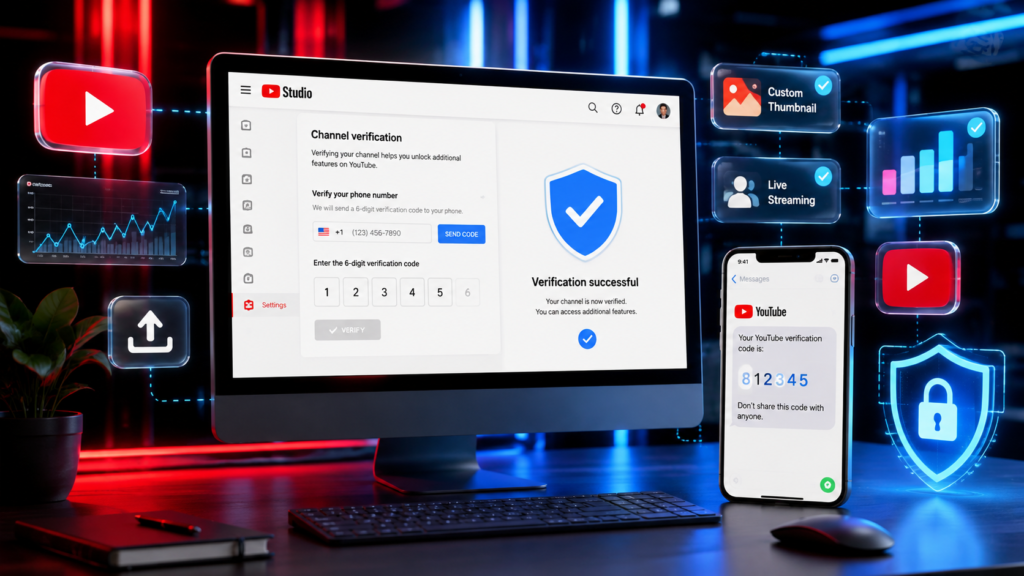
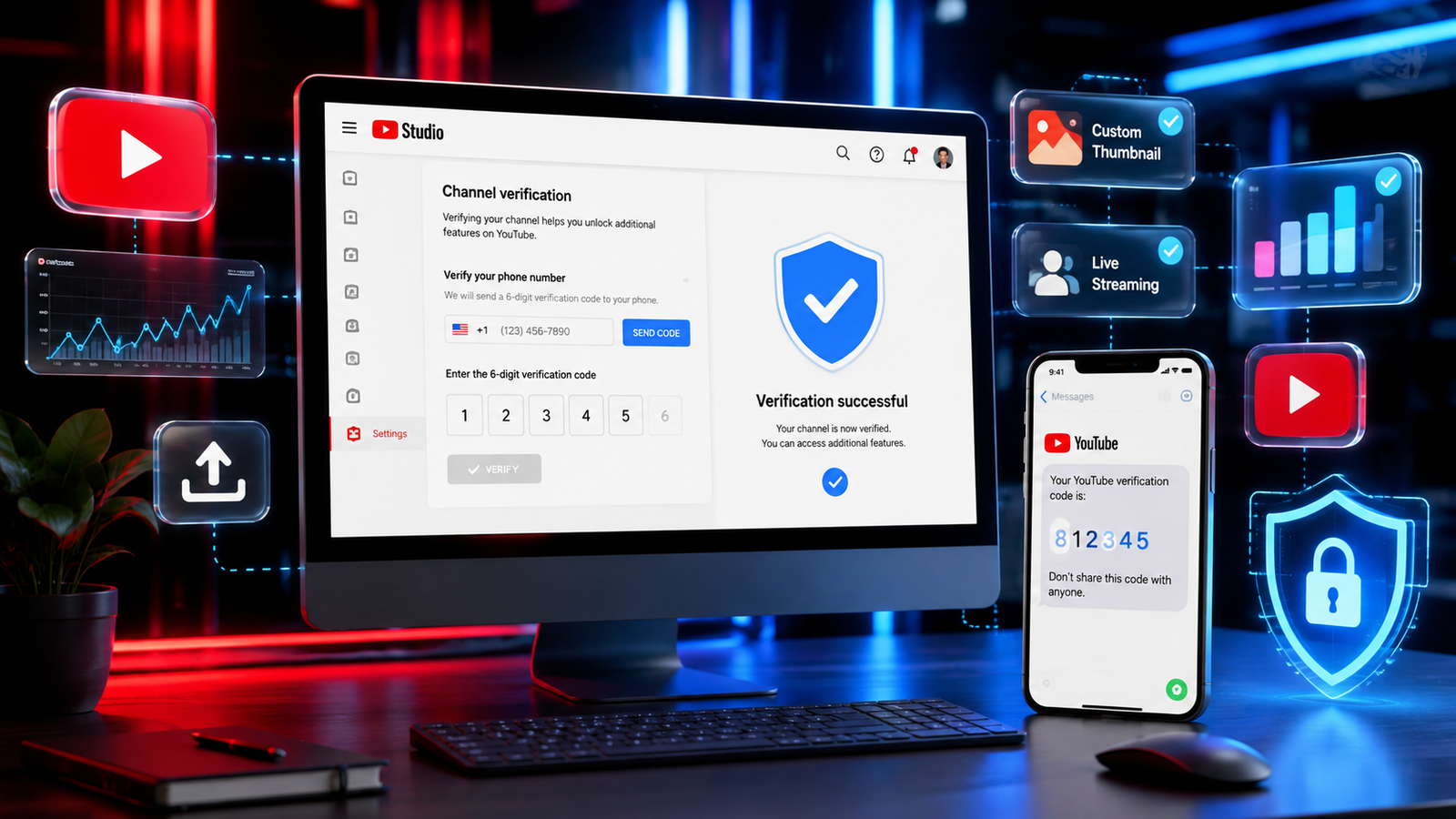
YouTube channel verification (phone verification) is a process that confirms you own the phone number associated with your Google account.
It helps YouTube reduce spam, fake accounts, and automated abuse while giving genuine creators access to important channel features.
This phone verification is different from the verification badge (the checkmark shown on some channels). A verified phone number does not automatically give you the official verification badge.
Why Should You Verify Your Channel?
Verification is recommended immediately after creating your channel because it unlocks useful creator features.
Benefits include:
- Upload longer videos (where applicable)
- Create custom thumbnails
- Improve channel security
- Access additional creator tools
- Prepare your channel for future advanced features
- Build trust with YouTube’s systems
If you skip verification, your channel may remain limited even though it has been created successfully.
Requirements Before Verification
Before starting, make sure you have:
- A Google Account
- A YouTube Channel
- A working mobile phone number
- Stable internet connection
- Access to receive SMS or Voice Call
Step-by-Step Guide
Step 1 – Sign in to YouTube
Open YouTube using your preferred browser and sign in using your Google Account.
Step 2 – Open YouTube Studio
Click your profile picture in the top-right corner and select YouTube Studio.
Step 3 – Access Verification
Go to Settings or the relevant verification section and start the phone verification process.
Step 4 – Select Your Country
Choose the correct country so that YouTube can send the verification code correctly.
Step 5 – Choose SMS or Voice Call
YouTube allows two verification methods:
- SMS
- Automated Voice Call
Choose whichever works best for you.
Step 6 – Enter Your Phone Number
Carefully enter your active mobile number.
Double-check the number before continuing.
Step 7 – Receive Verification Code
Within a short time, YouTube sends a six-digit verification code.
Enter the code exactly as received.
Step 8 – Verification Complete
Congratulations!
Your channel has now completed phone verification.
You can begin using additional creator features.
Features Available After Verification
After verifying your channel, you can typically access:
- Custom Thumbnails
- Longer Video Uploads (subject to current platform rules)
- Better creator tools
- Stronger account protection
- Eligibility for additional creator features over time
Common Mistakes
Many beginners experience verification issues because they:
- Enter an incorrect phone number.
- Use an inactive SIM card.
- Request too many verification codes.
- Use temporary virtual phone numbers.
- Ignore country selection.
Avoid these mistakes for a smoother verification process.
Pro Tips
- Use your personal mobile number.
- Enable Two-Step Verification on your Google Account.
- Keep your recovery email updated.
- Never share verification codes with anyone.
- Secure your Google Account with a strong password.
Internal Linking
If you are new to YouTube, read these guides:
- How to Create a YouTube Channel (2026 Complete Step-by-Step Guide) (Published)
- Personal vs Brand Account (Coming Soon)
- Best YouTube Channel Settings (Coming Soon)
- YouTube SEO for Beginners (Coming Soon)
- YouTube Studio Complete Guide (Coming Soon)
Frequently Asked Questions
Is YouTube phone verification free?
Yes. YouTube does not charge for phone verification, though your mobile carrier’s SMS or call charges may apply.
Does phone verification give me the verification badge?
No. Phone verification and the official verification badge are separate processes.
Can I verify more than one channel with the same phone number?
Sometimes yes, but YouTube limits the number of channels that can be verified with one phone number over a given period.
What should I do if I don’t receive the code?
Check your number, wait a few minutes, try the voice call option, and ensure your network is working.
Conclusion
Phone verification is one of the simplest yet most important steps after creating a YouTube channel. It unlocks useful creator features, improves account security, and prepares your channel for future growth.
Complete this step before uploading your first video so you can build your channel on a strong and secure foundation.
🇮🇳 हिंदी अनुवाद
2026 में YouTube Channel Verify कैसे करें (Complete Step-by-Step Guide)
यह लेख पूरा क्यों पढ़ें?
यदि आपने नया YouTube Channel बनाया है, तो केवल चैनल बनाना ही पर्याप्त नहीं है। चैनल को Verify करना भी उतना ही महत्वपूर्ण है।
Verification के बाद आपको कई महत्वपूर्ण Creator Features मिलते हैं, जैसे Custom Thumbnail, अतिरिक्त Creator Tools और भविष्य के Advanced Features के लिए बेहतर तैयारी।
इस Guide में आप सीखेंगे:
- YouTube Channel Verification क्या है।
- Verification क्यों ज़रूरी है।
- मोबाइल नंबर से Channel Verify कैसे करें।
- सामान्य गलतियों से कैसे बचें।
- Verification के बाद कौन-कौन से Features मिलते हैं।
Quick Answer
YouTube Channel Verify करने के लिए YouTube में Sign In करें, Verification प्रक्रिया शुरू करें, अपना मोबाइल नंबर दर्ज करें, SMS या Voice Call से प्राप्त Code दर्ज करें और Verification पूरा करें।
YouTube Channel Verification क्या है?
यह एक सुरक्षा प्रक्रिया है जिसमें YouTube आपके मोबाइल नंबर की पुष्टि करता है ताकि यह सुनिश्चित किया जा सके कि चैनल वास्तविक उपयोगकर्ता द्वारा संचालित किया जा रहा है।
ध्यान रखें कि Phone Verification और Official Verification Badge (✓) दोनों अलग-अलग चीज़ें हैं।
Verification के लाभ
- Custom Thumbnail
- अतिरिक्त Creator Features
- बेहतर Account Security
- भविष्य के Advanced Features की तैयारी
- YouTube पर अधिक विश्वसनीयता
Verification के लिए आवश्यक चीज़ें
- Google Account
- YouTube Channel
- सक्रिय Mobile Number
- Internet Connection
Step-by-Step प्रक्रिया
- YouTube में Sign In करें।
- YouTube Studio खोलें।
- Verification विकल्प चुनें।
- अपना Country चुनें।
- SMS या Voice Call चुनें।
- Mobile Number दर्ज करें।
- Verification Code दर्ज करें।
- प्रक्रिया पूरी करें।
सामान्य गलतियाँ
- गलत मोबाइल नंबर दर्ज करना।
- बार-बार Code माँगना।
- अस्थायी Virtual Number का उपयोग करना।
- गलत Country चुनना।
निष्कर्ष
यदि आप 2026 में एक सफल YouTube Creator बनना चाहते हैं, तो Channel बनाने के तुरंत बाद उसका Verification अवश्य करें। यह आपके Channel को अधिक सुरक्षित बनाता है और भविष्य में Growth के लिए आवश्यक सुविधाएँ उपलब्ध कराता है।
Disclaimer (English)
This article is for educational and informational purposes only. YouTube may update its interface, policies, or verification requirements at any time. Always refer to YouTube’s official documentation for the latest information. TechSmartUpdates is not affiliated with YouTube or Google.
डिस्क्लेमर (हिंदी)
यह लेख केवल शैक्षणिक और सामान्य जानकारी के उद्देश्य से लिखा गया है। समय-समय पर YouTube अपनी नीतियों, इंटरफ़ेस और Verification प्रक्रिया में बदलाव कर सकता है। नवीनतम जानकारी के लिए हमेशा YouTube के आधिकारिक स्रोतों का संदर्भ लें। TechSmartUpdates का YouTube या Google से कोई आधिकारिक संबंध नहीं है।